80+ parameters. Six part types. Zero CAD required.
Tilted inserts, custom bin and baseplate shapes, off-grid extensions, multiple cutouts per bin, AI tool tracing, visual drawer planner. All free, no install, no account. Open the editor and start now.
In-browser parametric editor
The full Gridfinity part library in one visual editor. No OpenSCAD scripting, no Fusion 360 subscription, no install. Just open the URL and start building.
- 016 part types: bins, baseplates, trays, adapters, layout planner, and tool cutouts.
- 0280+ parameters: walls, floors, scoops, slopes, dividers with skip segments, labels, lids, magnets, patterns, cutouts.
- 03Custom-shaped bins: L, U, donut, or any cell layout — not just rectangles.
- 04Off-grid extensions: extend bins beyond the Gridfinity grid on any side.
- 05Custom baseplate shapes: D-shape, L-shape, or any polygon via the shape editor.

Live 3D preview with undo/redo
See your part update in real time as you adjust every parameter. No waiting for renders like OpenSCAD. Rotate, zoom, and inspect from any angle.
- 01WebGL preview powered by Three.js. Smooth even with complex dividers and patterns.
- 02Orbit controls: drag to rotate, scroll to zoom, right-click to pan.
- 03Dimension overlays show exact measurements in mm.
- 04Full undo/redo history (50 steps). Experiment freely, revert instantly.

Print-ready STL and 3MF export
Every mesh is manifold-certified watertight. Download and slice, no repair step needed. Material and time estimates before you commit.
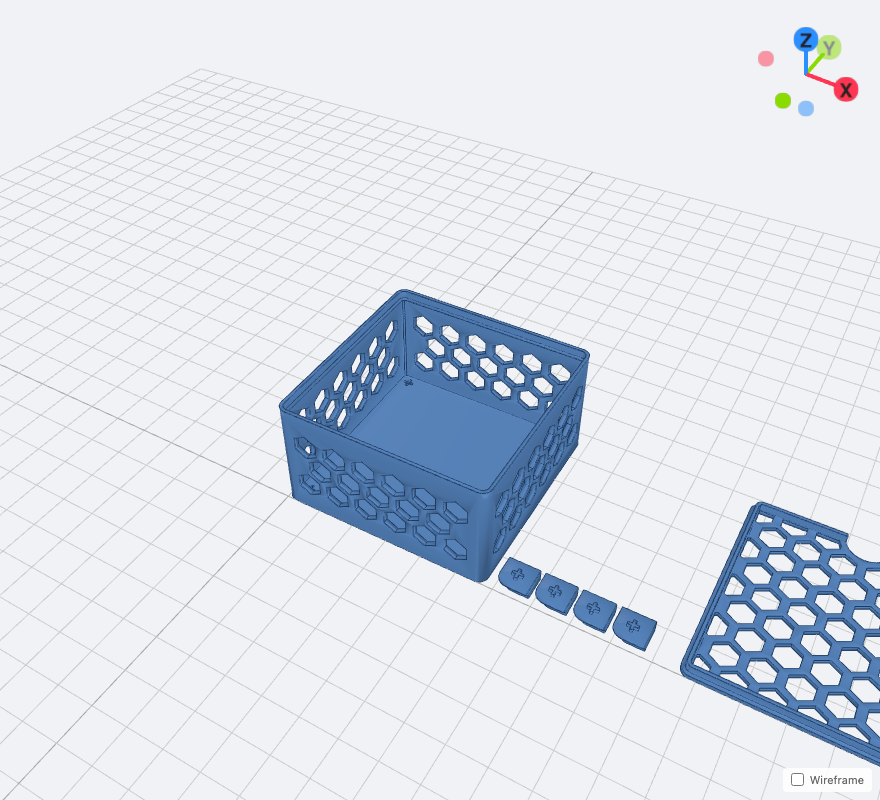
- 01STL and 3MF with multi-object support (lid, insert, base as separate parts).
- 02Filament weight and print time estimates before you download.
- 03Bed-fit warnings when your part exceeds your configured printer dimensions.
- 04Auto-split baseplates into bed-sized pieces with a single toggle.
100% Gridfinity spec-compliant
Every exported part snaps into any baseplate in the ecosystem. Magnet holes, screw holes, and base profiles match the official spec (gridfinity.xyz/specification/).
- 0142mm grid unit with base profile matching the reference geometry.
- 02Magnet holes (6.2mm), screw holes, and corner mounting all to spec.
- 03Half-grid (21mm) base option for compact arrangements.
- 04Validation warnings when settings would break compatibility.

Shareable links: your config in the URL
Share any bin by copying the link. The recipient sees your exact design, ready to tweak or export. No accounts, no file uploads.
- 01Share any design by just copying the link. Your recipient sees the exact same bin.
- 02Recipient sees the exact same part with every setting preserved.
- 03Bookmark your favorite configurations for quick access.
- 04Printer settings persist locally between sessions.

Cutouts, patterns, and AI tool tracing
13+ insert shapes, tilted from -90° to +90°, multiple inserts per bin. Plus AI photo tracing and 6 pattern shapes for walls, floor, and lid.
- 0113+ insert shapes: rectangle, circle, ellipse, slot, ring, triangle, hexagon, star, cross, D/L/T-shape, text.
- 02Tilted inserts: angle any cutout from -90° to +90° for angled tool holders.
- 03Multiple inserts per bin: arrange different shapes freely on a 2D canvas.
- 04AI photo tracing: photograph a tool on paper, Binforge traces the outline into a custom cutout.
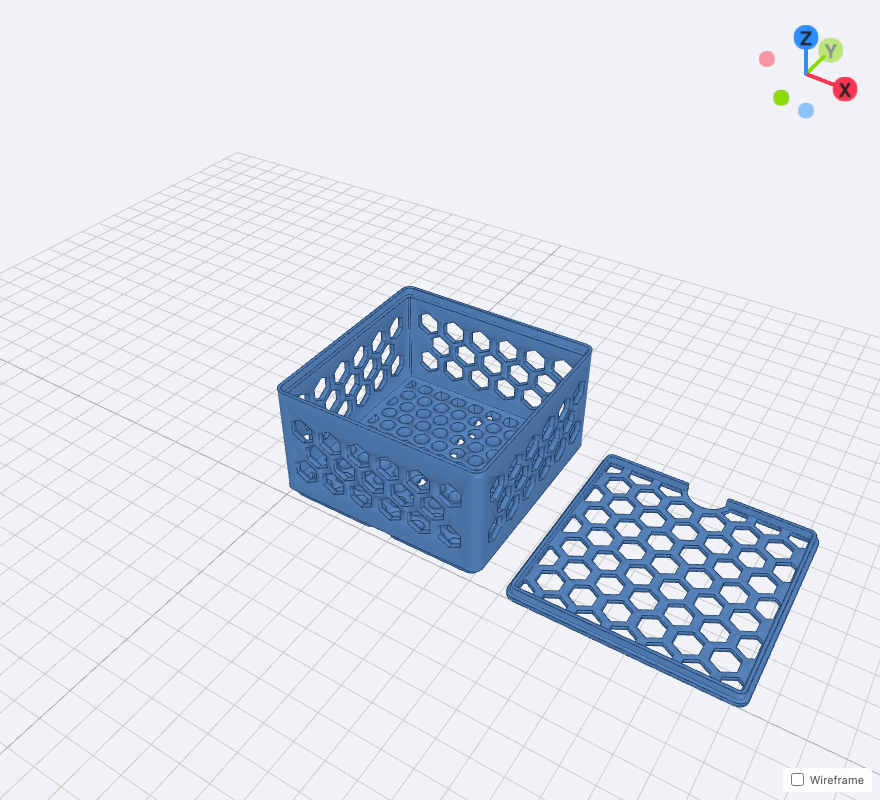
- 056 pattern shapes (circle, hex, voronoi, wave, diamond, square) for walls, floor, or lid.
- 06Divider skip segments: skip individual segments for pass-through channels.